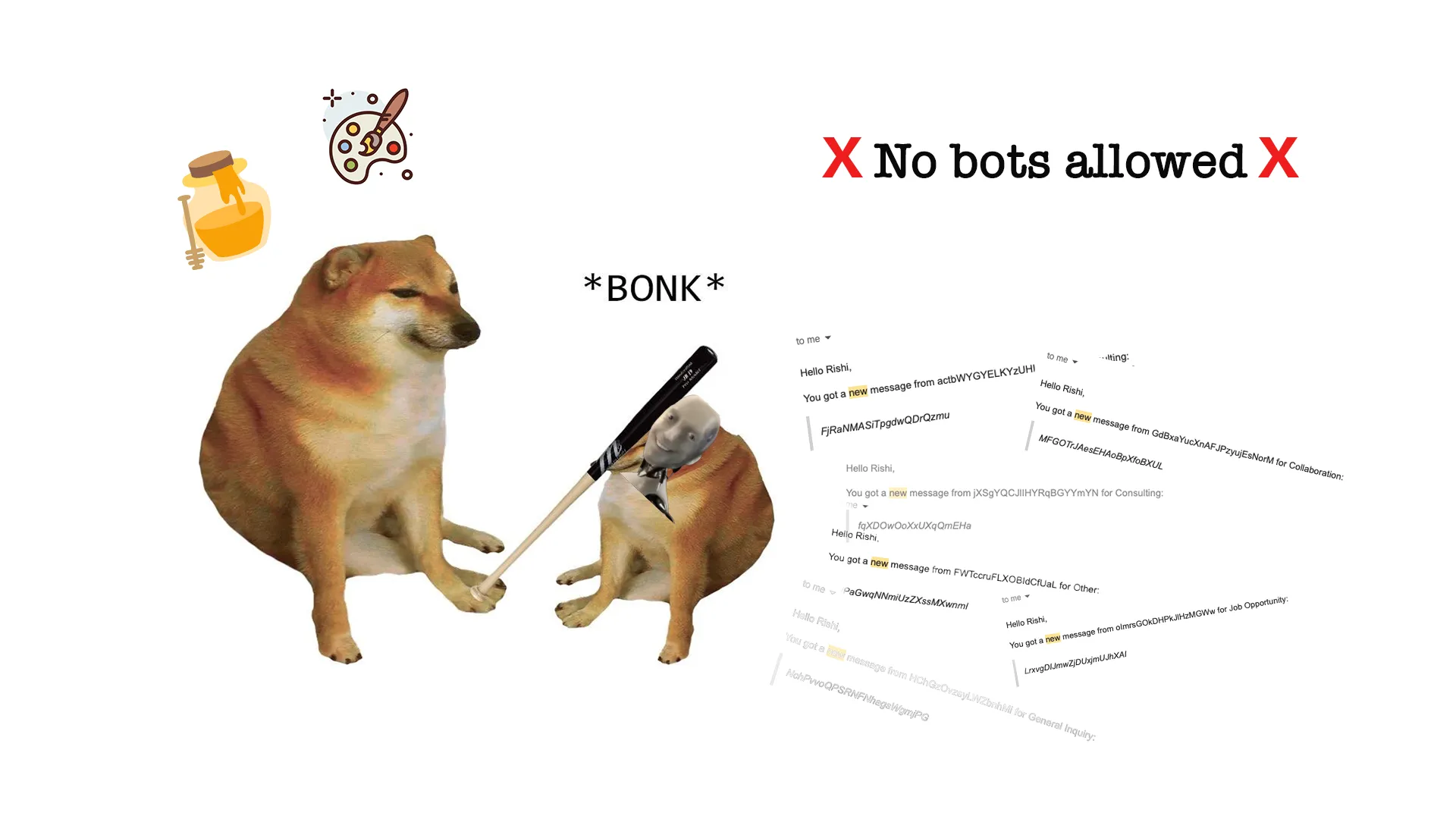
When I set up my contact form it was primarily because I didn’t want to put an email out even if it was through a relay. But I didn’t expect tens of bot emails a week. I mean sure bots exist out there but what are they doing in my corner of the internet? I haven’t even been active in any tech circle online for a while now.
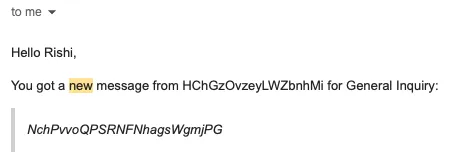
But hey, that’s what my contact form was pulling in.. and for a personal site on a free tier service, that’s a lot of junk and quota loss it had to bear. It was a mixed bag too. Some random cold emails for “SEO assistance” telling me how much reach they can generate or some even weird sentence that doesn’t even make sense grammatically or a bot just spamming random gibberish.
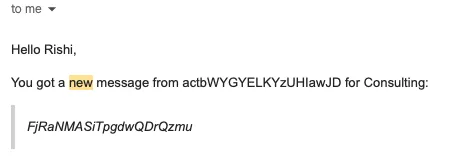
No pattern, no single kind of spam, just a steady pile of trash.
Well, time to fix it. And the fix is really simple. It involves a multi-step form, two checks, and a result I’m happy with, which is my favorite kind of engineering result. 🤷🏻♂️
The problem
Every time I opened my email, there was at least one bot email there. At first, I ignored it. But then you look at some random bot sending gibberish, and you have a few minutes to spare.
The form was built for several purposes, and it was one page with one message box. The dropdown had a bunch of options like general inquiry, job opportunity, collaboration proposal, consulting request, etc. One form, one inbox, and a lot of doors open to anyone who wanted in.
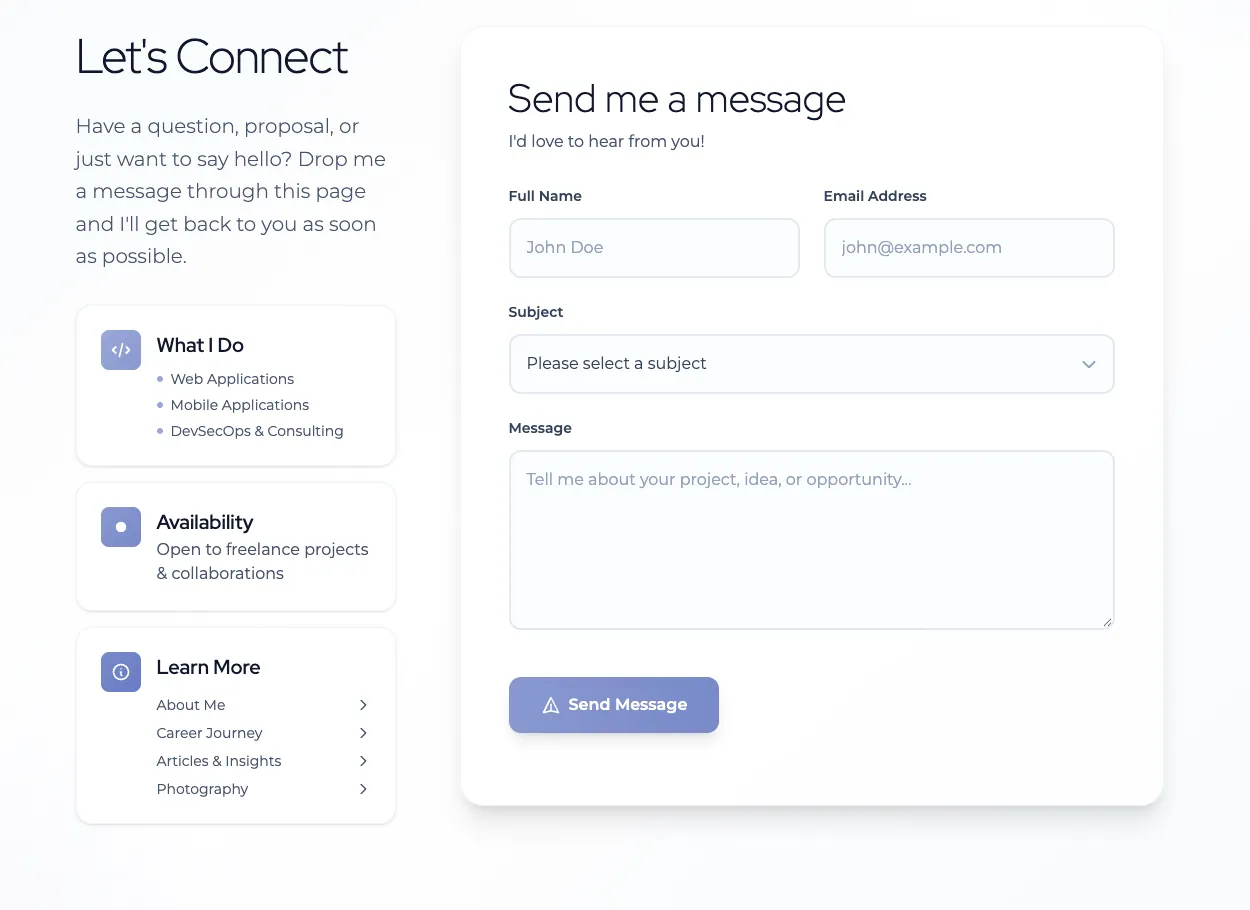 The old form, one page for everything.
The (quick) fix
The grown-up answer was a captcha. I looked at captchas and I looked at Cloudflare. Then I passed on both. Setting one up meant taking out time, and I didn’t like the idea of captchas for visitors. The better options went on a later list, and the quick fix went in.
And it probably is going to stay because I haven’t seen any bot emails in the past few days. Something about tech debts being tech debts until our butt’s on fire..
The two guards
First, a honeypot. A text input, pushed off-screen with CSS, and set to tabindex="-1" and autocomplete="off". A human person never sees it and never tabs into it. If it has a value when the form submits, the handler returns and sends nothing. Both simple and effective.
quoteOWASP(opens in new tab): honeypots are “Cheap, effective, and zero impact on legitimate users.”
I mean.. sure.. but a bot that skips hidden fields never trips one. So that’s also something to keep in mind. I hope I’m not giving any new ideas to these bot “ringmasters” running this circus.
The second one is a bit odd if you want to call it that. A two second timer.
Any submit that arrives less than two seconds after the page script sets up the form gets dropped the same way, silently. Now before you judge me, this came in before I redesigned the form while it still was a single page form. I’m not really proud of doing this but I just wanted to weed them out using whatever behavior differentiates a bot form a real human person.
A four step form
I did this a few days later when I got the time. I just slapped a step flow to it that is a bit harder for a bot to do: Topic, About You, Message, Review and then the final submit button in the final step.
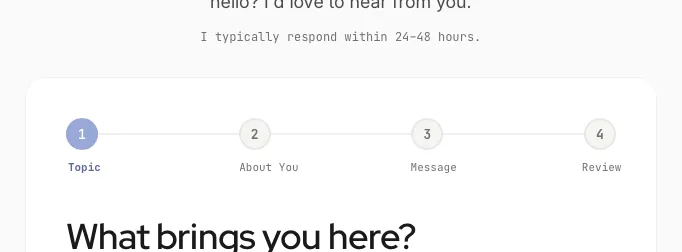 The step indicator. Four numbered steps
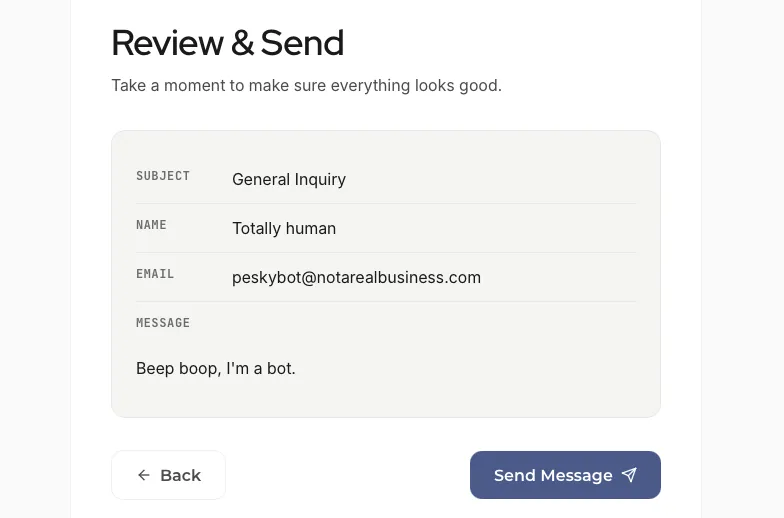 The review step, right before send.
So which one did it?
Honestly, idk.
The honeypot, the timer and redesign went in around the same time. The most I’ll say is that they likely work together. The inbox has gone quiet as far as the bots are concerned. So my work for this is done, I guess?
Although, the checks live in the page’s JavaScript, and a script that posts straight to the sending service never runs that code. It never meets the honeypot or the timer. Well, that’s for some other day.
If you need more than cheap layers
The heavier options went on my later list. If a form needs more than cheap layers, there are other options to explore:
- reCAPTCHA. Google says v3 can “verify if an interaction is legitimate without any user interaction.”
- hCaptcha. The server posts the token and a secret to hCaptcha’s siteverify endpoint. The docs say to “only execute your normal business logic if
successistrue.” - Turnstile. The overview(opens in new tab) covers the modes. The server-side validation page has a catch: “The client-side widget alone does not protect your forms.”
hCaptcha and Turnstile both need a server to check the token. A widget can’t do that part. I also looked up what OWASP had to say about captchas and it’s suggestion on visible CAPTCHAs is to treat them as a last-resort step-up versus a primary defense.
Happy defending!


